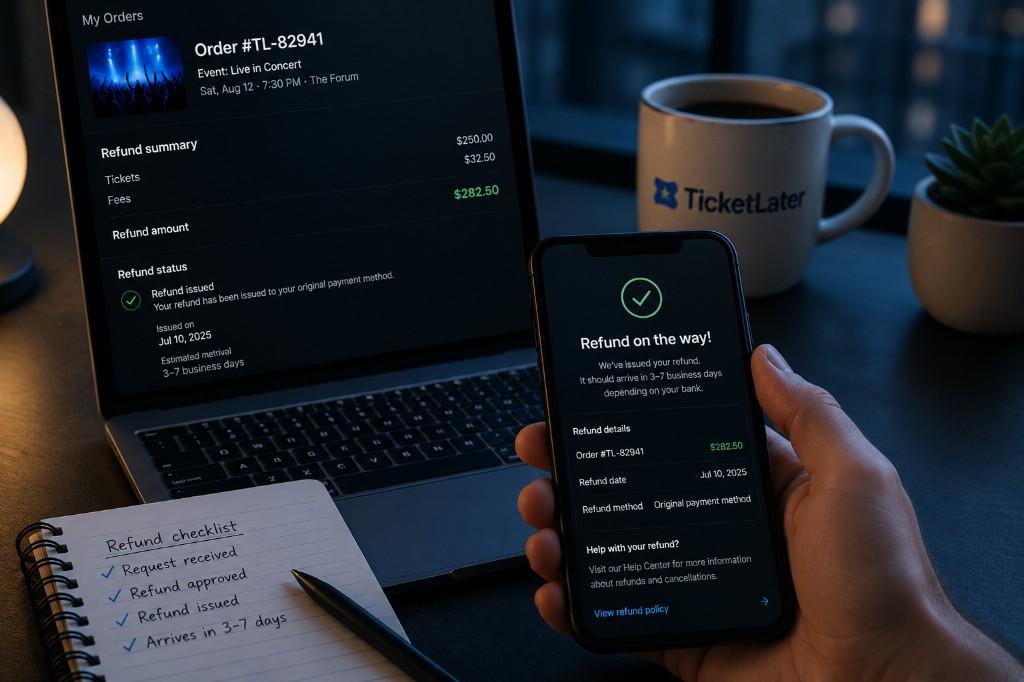
BNPL Ticket Refunds and Cancellations
Refunds follow TicketLater's ticket policies; installment balances follow your lender's servicing rules — keep both portals handy.
Find tickets →TicketLater Learn
Financing a ticket with Affirm, Klarna, Afterpay, or Zip creates two separate relationships: TicketLater fulfills the ticket sale, and the lender services the installment agreement. When an event postpones, cancels, or you qualify for a refund, each party applies its own policies on its own timeline. Understanding that split is the key to avoiding double payments or missed dispute windows.
Step-by-step refund flow when an event cancels
- Event cancels or qualifies for refund.Monitor TicketLater order emails and your account for schedule-change notifications. Eligibility follows TicketLater's ticket policies for that specific listing — not every postponement triggers an not every postponement qualifies for a refund.
- TicketLater processes the refund. Once eligible, TicketLater issues a refund to the original payment path. For BNPL purchases, this typically means the refund routes back through the lender rather than your personal bank account directly.
- Wait for the lender to update your balance.Lenders typically adjust remaining installments or close the loan within 3–10 business days after the refund posts on TicketLater's side. Timelines vary by provider — Affirm may update within a few days; Afterpay and Klarna often adjust on the next billing cycle.
- Verify in the lender app. Open Affirm, Klarna, Afterpay, or Zip and confirm the remaining balance reflects the refund. If installments still show as due after 10 business days, contact the lender with your TicketLater refund confirmation number.
- Contact the right party for the right issue. TicketLater support handles ticket eligibility and refund requests. The lender handles installment balance questions after a refund has posted.
Full cancellation vs. postponement vs. partial refund
A full cancellation — the event will not happen — typically triggers a full refund through TicketLater if the listing terms allow it, and the lender should zero out remaining installments. A postponement — new date announced — often means your tickets remain valid and no refund is issued automatically. Your BNPL installments continue on the original schedule even though the show moved to a new date. If the new date does not work for you, request a refund through TicketLater if eligible; the lender adjusts only after TicketLater confirms.
A partial refund — fee adjustment, partial order cancellation, or credit for a downgraded experience — means the lender recalculates remaining installments rather than stopping all future payments automatically. Check the lender dashboard after TicketLater confirms any partial adjustment.
What to do if the lender keeps charging after a refund
If TicketLater confirmed a refund but your lender still shows upcoming installments or processes a charge, act in this order: (1) screenshot your TicketLater refund confirmation and the lender's current balance, (2) contact the lender's support through their app with both documents, (3) if the lender does not resolve within 5 business days, open a dispute through the lender's dispute process — not through TicketLater, because TicketLater does not control installment calendars, (4) keep paying attention to due dates during the dispute unless the lender explicitly pauses collections. Missing a due date during an open dispute can still trigger late fees.
Missed payments during disputes
Continue following lender due dates unless the provider explicitly pauses collections during an open dispute. See missed BNPL payments for consequences by provider.
Accepted methods
 Visa
Visa Mastercard
 American Express
 Apple Pay
 Google Pay
 Link
Link Cash App
 Amazon Pay
 PayPal
 Venmo
Venmo Affirm
 Klarna
 Afterpay
How to check out
- 1
Save TicketLater confirmation and lender agreement emails at purchase time.
- 2
If an event changes, check TicketLater order status first for refund eligibility.
- 3
After TicketLater processes an eligible refund, verify balance changes in the lender app.
- 4
Contact TicketLater support for ticket issues and the lender for loan servicing questions.
FAQ
Does a TicketLater refund automatically stop BNPL installments?
Not always instantly — lenders update balances on their own timeline after TicketLater confirms the refund.
What if I financed sports tickets and the game is postponed?
Follow TicketLater updates for the ticket; coordinate with your lender if due dates become unmanageable before rescheduled dates.
Can I dispute a charge with my BNPL provider?
Disputes follow lender policies — also contact TicketLater if the issue involves ticket delivery or event status.
Do festival multi-day passes refund differently?
Refund rules depend on the listing — confirm terms before financing high-value passes.
Who do I contact first for a refund?
Start with TicketLater for ticket eligibility; use the lender portal for installment balance questions after refunds post.
Does TicketLater sell airline tickets, traffic tickets, or court fines?
No. TicketLater sells live event tickets and, when listed, venue parking passes for those events. We do not sell airline tickets, traffic tickets, parking tickets (citations), lottery tickets, raffle tickets, or court fines.
Related guides
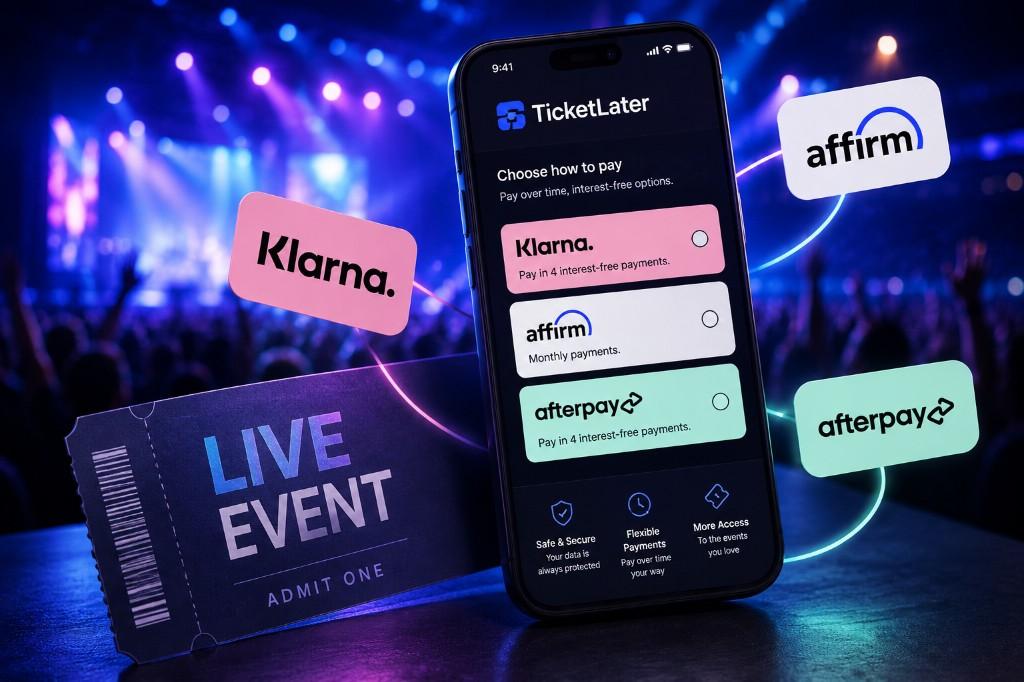 Pay Later
 Pay Later
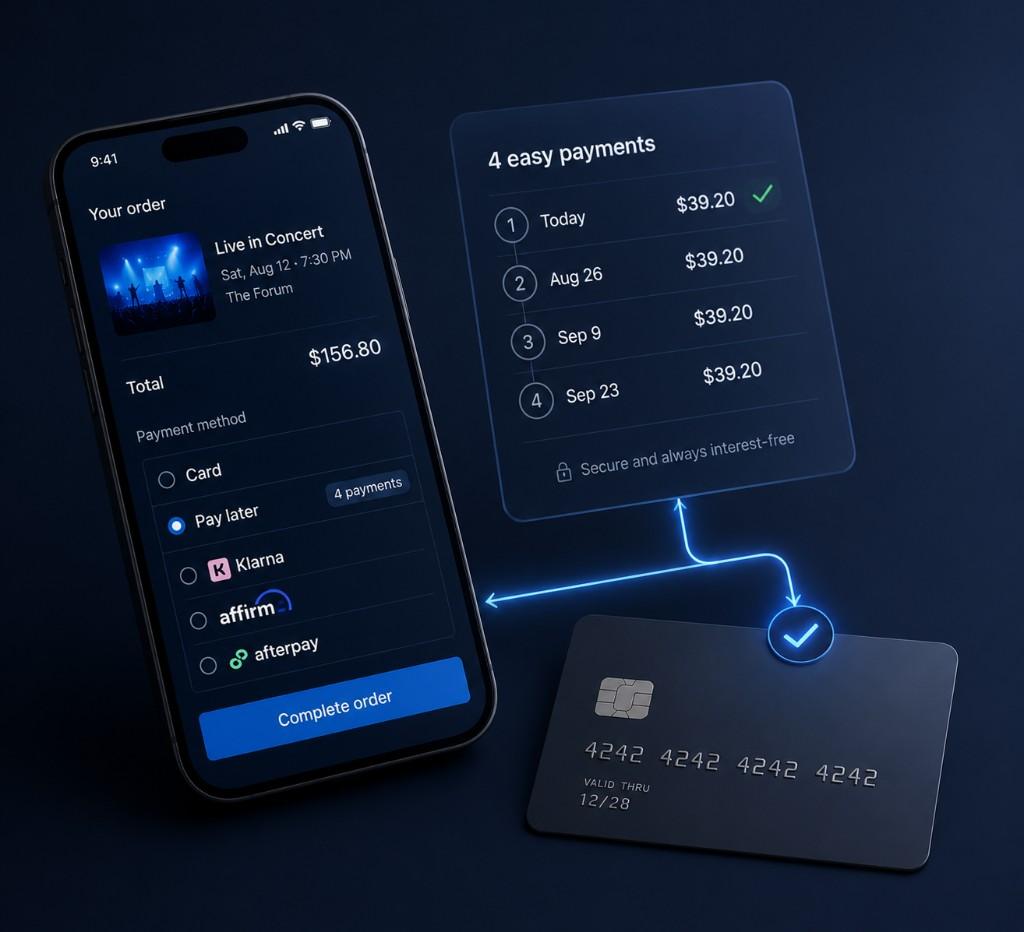 Pay Later
Next step
Ready to find tickets?
Browse live events with pay-later options at checkout.
- Pay-later at checkout
- Secure BNPL partners
- Concerts, sports & more