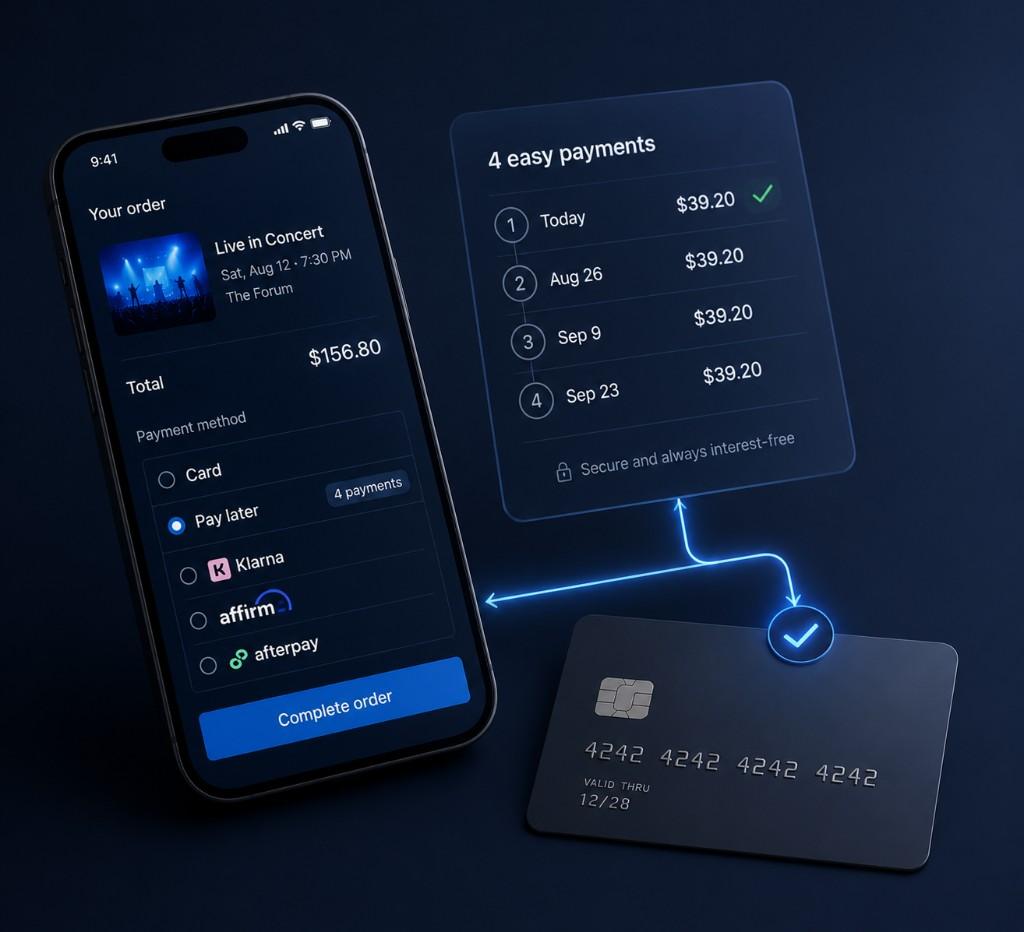
How Buy Now Pay Later Tickets Work — Step-by-Step Checkout Guide
How buy now pay later tickets work: you browse TicketLater at card and wallet all-in totals, then at checkout a BNPL partner may show a different all-in purchase price before lender-specific APR or repayment terms are applied — TicketLater delivers tickets after the first payment clears.
Find tickets →TicketLater Learn
This is the step-by-step process guide for buying tickets with BNPL on TicketLater. For a provider comparison (Affirm vs Klarna vs Afterpay vs Zip), see the BNPL provider comparison hub.
How buy now pay later tickets workin practice: you browse TicketLater for concerts, sports, festivals, or theater, choose seats at transparent card and wallet all-in totals, and at checkout select a pay-later brand when Stripe enables it for your order. The financing all-in total may differ from browse pricing before your lender — Affirm, Klarna, Afterpay, Zip, or another partner — applies APR or repayment terms inside its hosted UI. You never apply for BNPL on TicketLater itself; approval and due dates live entirely inside the provider's checkout flow.
What buy now pay later means for ticket buyers
Buy now, pay later spreads a ticket total across installments so high-demand events — festival weekends, arena residencies, playoff runs — feel reachable without draining a single paycheck. You secure seats today and reconcile the balance on the lender's schedule. TicketLater shows card and wallet all-in totals while you browse; if you select installment financing at checkout, the all-in purchase price may differ before your lender applies APR or repayment terms — compare real ticket costs first, then evaluate whether installments fit your budget.
BNPL is not a TicketLater product — it is a checkout option surfaced by Stripe when your order, region, and risk profile qualify. The same event can show different lenders on different days, and installment examples on marketing pages remain illustrative until your provider confirms actual terms inside its own flow.
How Pay in 4 and monthly BNPL plans work for tickets
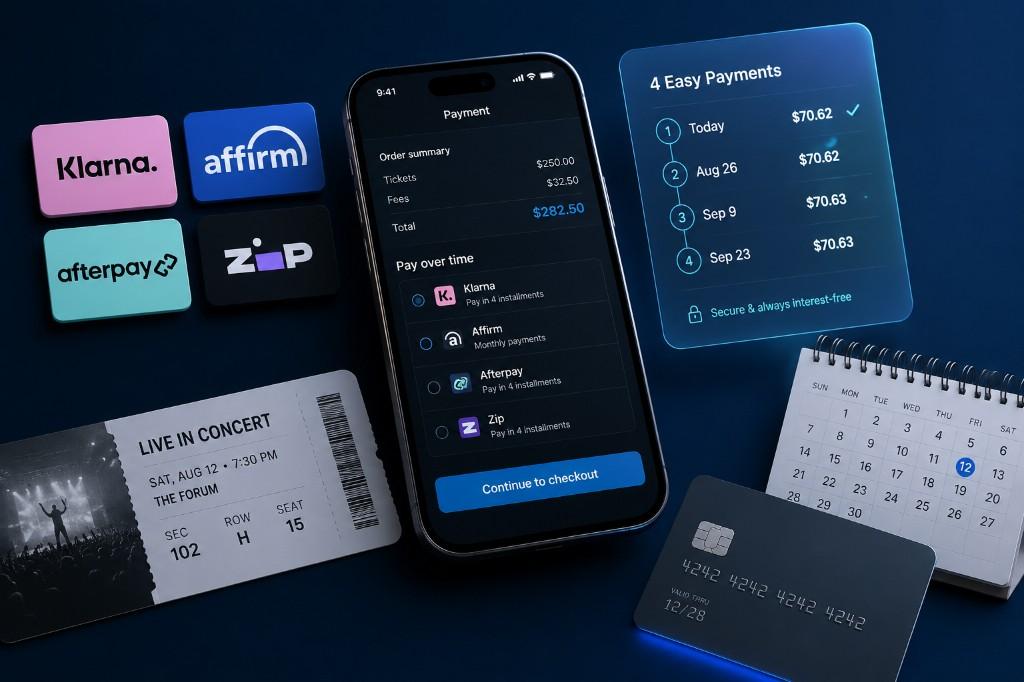
Most short-term buy now pay later ticket plans follow a Pay in 4 model: you pay the first installment at checkout, then three more automatic charges every two weeks over roughly six weeks. Klarna, Afterpay, and Zip commonly use this structure when Stripe enables them; many Pay in 4 offers charge 0% interest if every payment lands on time, though late fees may apply when a due date is missed.
Affirm often works differently — quoting monthly payments across three to thirty-six months with disclosed APR for larger totals. Whether you see Pay in 4 or a longer monthly plan depends on order size, region, and which brands Stripe turns on for that session. Read BNPL fees, interest, and eligibility before you accept any offer.
Step 1 — Find your event
Start on TicketLater search or open a category pillar that matches the show you want. Concert shoppers often land on pay later concert tickets; sports fans browse buy now pay later sports tickets; and anyone comparing financing rails can start from the ticket payment options hub. Each path leads to live inventory with transparent pricing — pick the event and section that match your night-out budget before you worry about which BNPL brand might appear.
Step 2 — Choose seats with all-in pricing
On the event page, compare rows using the all-in total TicketLater displays for card and wallet checkout whenever fee data is available. That baseline is what you should anchor on — not a rough face-value estimate or a marketing-page installment example. If you select installment financing at checkout, the all-in purchase price may differ before your lender confirms APR and repayment terms inside its own flow.
When inventory is tight, prioritize securing seats in a section you can afford at the all-in total. You can always compare upper-bowl vs floor pricing side by side before continuing to payment, which keeps buy now pay later decisions grounded in real order size rather than hypothetical splits.
Step 3 — Select your payment plan at checkout
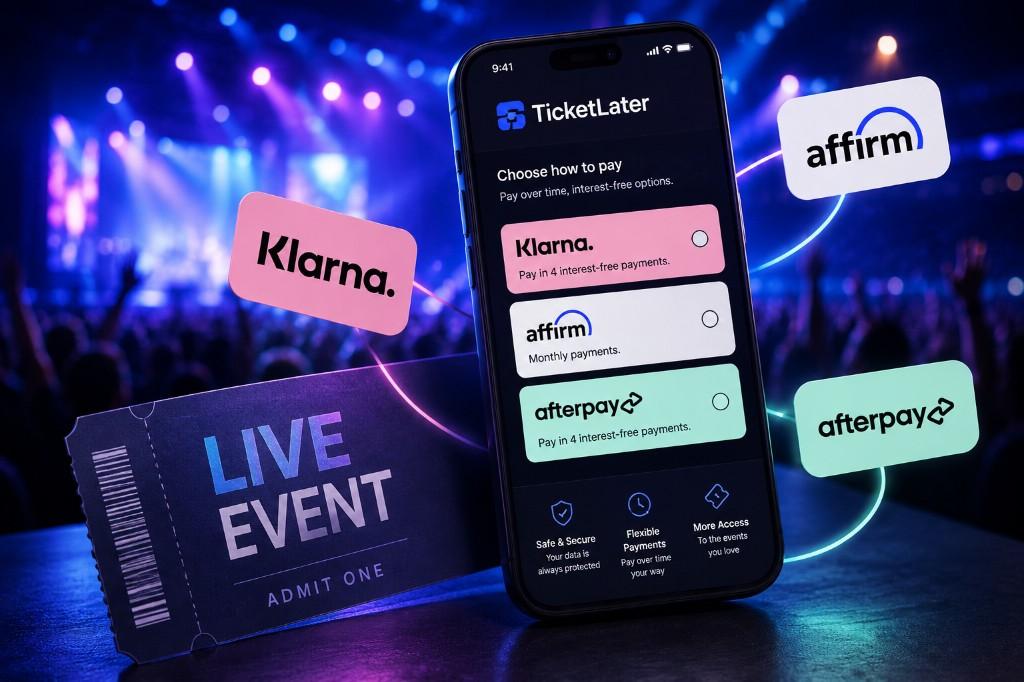
After you add seats and continue, the payment step lists every method Stripe enables for your session — cards, wallets, and BNPL brands such as Affirm, Klarna, Afterpay, or Zip when eligible. Select a pay-later option only when it appears; you will complete identity verification and plan acceptance entirely inside the provider's hosted UI. Provider-specific walkthroughs: Klarna, Affirm, and Afterpay.
Lenders typically run a soft credit inquiry during approval — TicketLater does not underwrite or decline applications. If one brand declines you, return to the payment step and use another eligible method listed for your session.
Buy now pay later tickets vs paying with a credit card
BNPL can feel simpler than a credit card because installments are fixed and disclosed upfront — especially on 0% Pay in 4 plans. Credit cards may offer purchase protections and rewards but carry revolving APR if you carry a balance. For live events, the practical difference is who services the debt: BNPL lenders manage installment schedules in their apps, while card issuers bill your statement cycle.
Neither option guarantees BNPL or card availability at checkout — always confirm what Stripe lists for your specific order before assuming a payment path. See the complete buy now pay later tickets guide for a broader comparison across event types.
What TicketLater does not control
Once you leave TicketLater's payment step for a BNPL partner, servicing lives entirely with that lender. TicketLater cannot override approval outcomes or adjust installment schedules on your behalf. For cancellations and refunds, follow BNPL refunds and cancellations — lenders adjust remaining balances per their own terms after TicketLater processes the ticket refund.
- Credit approval or decline decisions
- APR, installment counts, and late fees
- Loan servicing after purchase
Provider comparison (illustrative)
| Provider | Plan type | Interest | Late fees | Refund handling |
|---|---|---|---|---|
| Affirm | Monthly (3–36 mo) | 0–36% APR (may vary) | None | Loan balance adjusted |
| Klarna | Pay in 4 / monthly | 0% or variable (may vary) | Varies by region | Balance adjusted |
| Afterpay | Pay in 4 | 0% when paid on time | Yes (if missed) | Balance adjusted |
Accepted methods
 Visa
Visa Mastercard
 American Express
 Apple Pay
 Google Pay
 Link
Link Cash App
 Amazon Pay
 PayPal
 Venmo
Venmo Affirm
 Klarna
 Afterpay
How to check out
- 1
Search TicketLater or open a category pillar — pay later concert tickets, sports tickets, or the ticket payment options hub — and pick the event that fits your budget.
- 2
Compare sections on the event page using TicketLater's all-in total for card and wallet checkout when available. That baseline may differ from the financing all-in total shown when you select pay later.
- 3
Add seats, confirm quantity, and proceed until Stripe lists every eligible method for your session — cards, wallets, and BNPL brands when enabled.
- 4
Choose Affirm, Klarna, Afterpay, or Zip only when shown. Finish identity verification and plan acceptance inside the lender's hosted UI.
- 5
Save TicketLater's ticket confirmation and the lender's installment agreement for post-purchase support, refunds, or servicing questions.
FAQ
How do buy now pay later tickets work?
You browse TicketLater for live events, lock in seats at an all-in total, and at checkout select a BNPL brand when Stripe enables it. The lender splits your order into installments — often four payments over six weeks — while TicketLater delivers tickets after the first payment clears.
How many payments is buy now pay later for tickets?
Pay in 4 plans split tickets into four equal installments over about six weeks. Affirm may instead offer monthly payments across a longer term — exact counts appear inside each lender's flow before you accept.
Is buy now pay later interest-free for concert tickets?
Many Pay in 4 plans are 0% when paid on time, but Affirm and some monthly products may include APR. Lenders disclose exact costs before you confirm — TicketLater does not set interest rates.
Do I need a credit check to use BNPL for tickets?
Lenders disclose whether inquiries are soft or hard during their flow — TicketLater does not underwrite or run credit checks on your behalf.
Is BNPL available for every event on TicketLater?
No. BNPL appears only when Stripe enables it for that checkout session — availability varies by order, region, and risk signals.
What happens if my BNPL application is declined?
Return to the TicketLater payment step and complete the purchase with another eligible method listed for your session.
Can I use Affirm, Klarna, and Afterpay on the same order?
No — only one BNPL provider can be selected per checkout. Pick whichever brand Stripe surfaces and you qualify for.
Are installment examples on TicketLater pages exact?
No — they are illustrative estimates. Exact terms, APR, and payment schedules appear inside the provider's flow before you accept.
What if the event is cancelled — does my BNPL plan stop?
Follow TicketLater's refund policy for ticket cancellations; your lender adjusts remaining balances according to its own servicing terms.
Who offers buy now pay later for tickets on TicketLater?
Stripe may surface Affirm, Klarna, Afterpay, Zip, and other pay-later brands depending on your order and region — the payment step lists only what is enabled for that session.
Does TicketLater sell airline tickets, traffic tickets, or court fines?
No. TicketLater sells live event tickets and, when listed, venue parking passes for those events. We do not sell airline tickets, traffic tickets, parking tickets (citations), lottery tickets, raffle tickets, or court fines.
Related guides
 Pay Later
 Pay Later
 Ticket Tips
Next step
Ready to find tickets?
Browse live events with pay-later options at checkout.
- Pay-later at checkout
- Secure BNPL partners
- Concerts, sports & more